eMabler MCP
Connect Your AI Agents to Your Charging Data
Let the AI agents you already run answer questions about your chargers, sessions, faults and costs. Scoped, audited, and built on the open Model Context Protocol.
- 99.999%Uptime
- +1.5MMonthly Charging Sessions
- +130 000Connected Charge Points





What Is eMabler MCP?
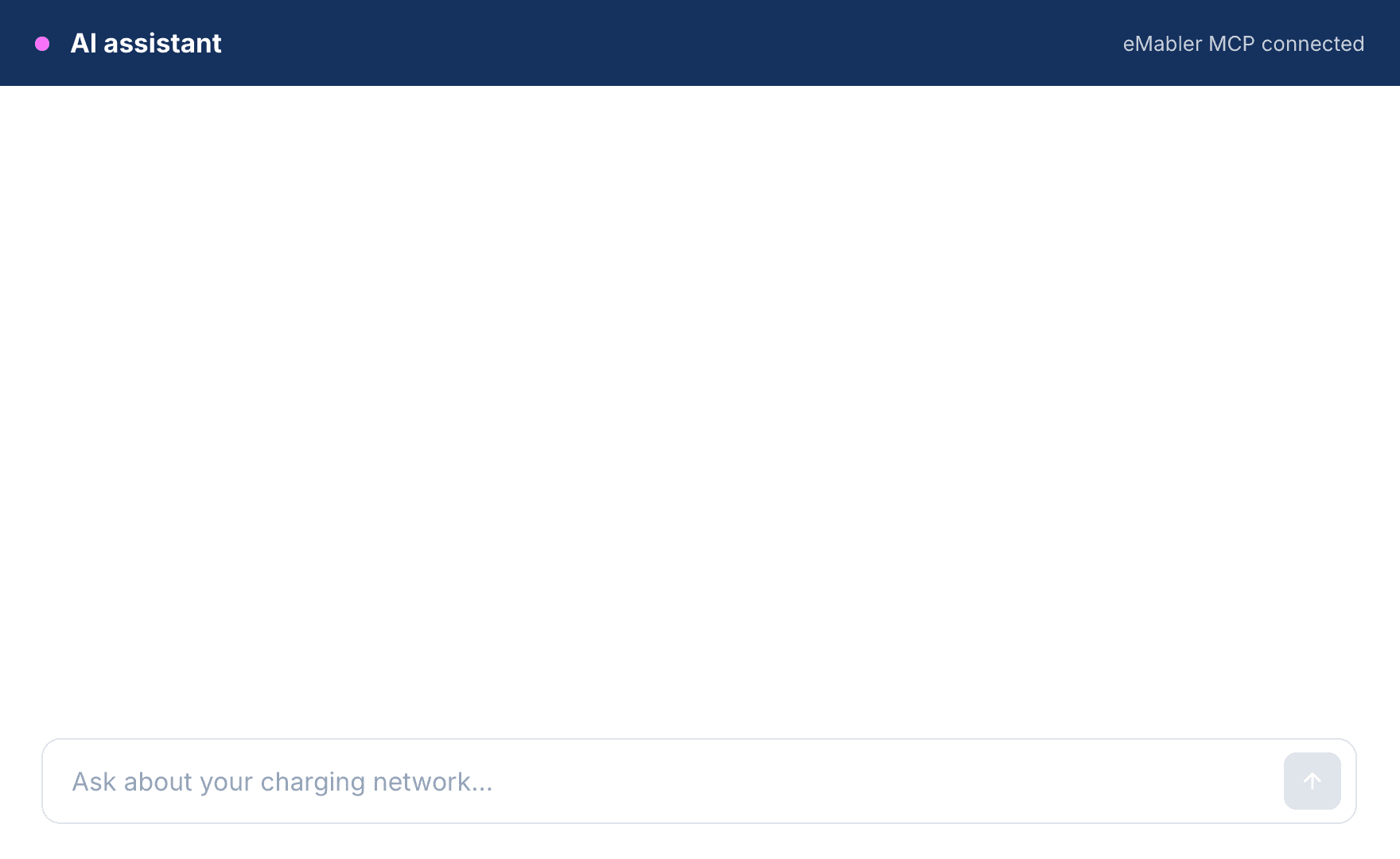
eMabler MCP connects your AI agents to your charging data. Your agents read charger status, sessions, fault evidence, fleet statistics, tariffs and billing, and combine them with your own systems. Anyone on your team can get an answer without knowing where to look, or waiting for the colleague who does.
- Get answers without a report or an analyst
- Faster fault resolution with less manual work
- Your charging data and your ERP or CRM in the same context
- Works with the major agent platforms, so your choice of model and vendor stays yours
Simple Questions Take Time and Several Screens
Answering a simple question about your charging network often means logging into the portal, checking the charger, its events and failed sessions, and comparing them with a ticket in another system.
That takes your team's time, slows your customer response time, and keeps charging data out of the tools the rest of your business uses.
Let Your Agent Do the Digging
Your agent reads the charger's status, events, fault codes and session history, checks your own systems, and answers with the evidence attached.
Answers arrive in the tools your team already uses, in seconds instead of a morning of searching.
Your Charging Data, One Question Away
Start from the questions your team asks every week.
Ask What Is Wrong, and Why
Cut the time it takes to trace a fault. Your agent reads live status, events, fault codes and failed-session history, and answers with the evidence attached.
Run the Fleet Review Without Reports
Turn the weekly review into a conversation instead of an export. Success rates, utilization and consumption per site or across the fleet, next to your own targets.
Put Charging Next to Energy Prices
Check charging costs every day instead of at month end. Hour-by-hour energy use from eMabler, paired with the spot prices and contract on your side.
You Decide What Each Agent Can Reach
Your agent can ask anything and change nothing. That is what an agent key allows today, so even a confused or compromised agent cannot break your network.
Agents get their own keys
An agent key is separate from your API keys, and carries narrower rights than they do.
You choose the grants
Access is granted one data area at a time. Driver identities and financial fields are separate grants.
No side door
Every request passes the same authentication, site scoping and audit as our API.
Your questions stay yours
We record that your agent made a request, never what it asked for.
EU-hosted and ISO 27001 certified
Your data stays in the EU, and it trains nobody's models.
Built for Every Team That Asks About Charging
Your other teams depend on the same charging data and have questions of their own.
Support Teams
Help the driver while they are still on the line. Ask the agent for their chargers, the session in progress and what the charger reported, or which tariff applies at a site and when it last changed.
Operations Teams
Start the day knowing what happened overnight. Ask the agent what ran while nobody was watching and whether anything failed, or check that your sites and the drivers with access still match your own records.
Finance Teams
Check the money before it moves. Have the agent pull up invoices and the sessions behind them next to your ERP, or put usage and cost figures straight into the weekly summary or board deck.
Read More on AI Agents and Charging Data
Connect Your Agent in Three Simple Steps
A configuration, not an integration project. There is no code to write and nothing to deploy, and the chargers themselves are untouched.
- 01
Add the MCP URL
Add the eMabler MCP URL to the agent you already run.
- 02
Create an agent key
Sign in through eMabler Connect and create a key for that agent.
- 03
Decide what it can see
Grant the data areas the agent needs, then ask your first question.